Featured images are used as thumbnails in news listings, content blocks, and other areas of Extension websites.
You do not have to display the featured image at the top of your article for it to be used as a thumbnail.
Choose relevant, high-quality images that accurately represent your content.
Articles without featured images can make news listings look incomplete and less professional.
When creating news articles and other content for your N.C. Cooperative Extension website, adding a featured image might seem like an optional step. After all, not every article needs a large photograph at the top of the page.
However, featured images serve an important purpose beyond the article itself. They help your content stand out, provide visual context, and create a more consistent experience for visitors browsing Extension websites.
Featured Images Do More Than You Think
When you assign a featured image to an article, that image can be used as a thumbnail in other locations throughout your website.
Think about the last time you browsed a news website. Chances are, you saw a collection of articles with small images alongside their titles. Those images help you quickly identify what each article is about and make it easier to find something that interests you.
The same principle applies to Extension websites.
Featured images can appear in several locations, including:
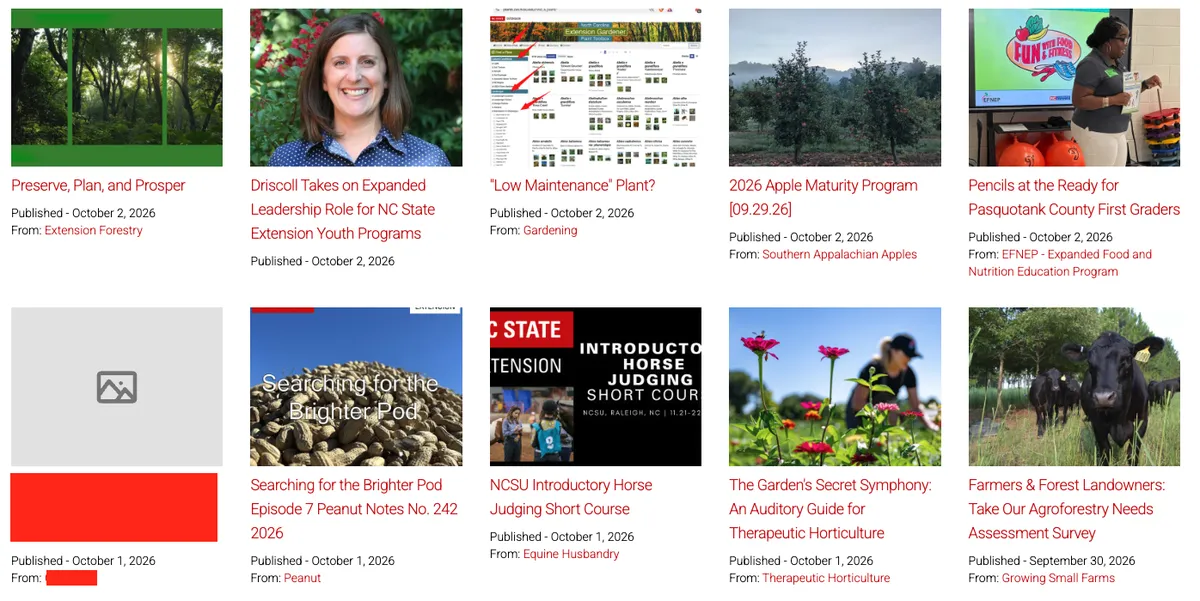
News blocks on county and topic pages
Featured News Blocks
Social media previews when someone shares a link to your article
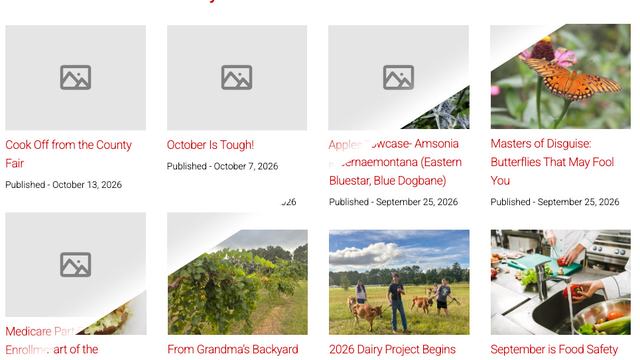
Without a featured image, your article will appear without a thumbnail in these locations. While the content is still available, it loses an opportunity to catch a reader's attention and communicate what the article is about.
As you can see, the article without a featured image stands out for the wrong reasons. Compared to the surrounding articles, it looks incomplete and less professional.
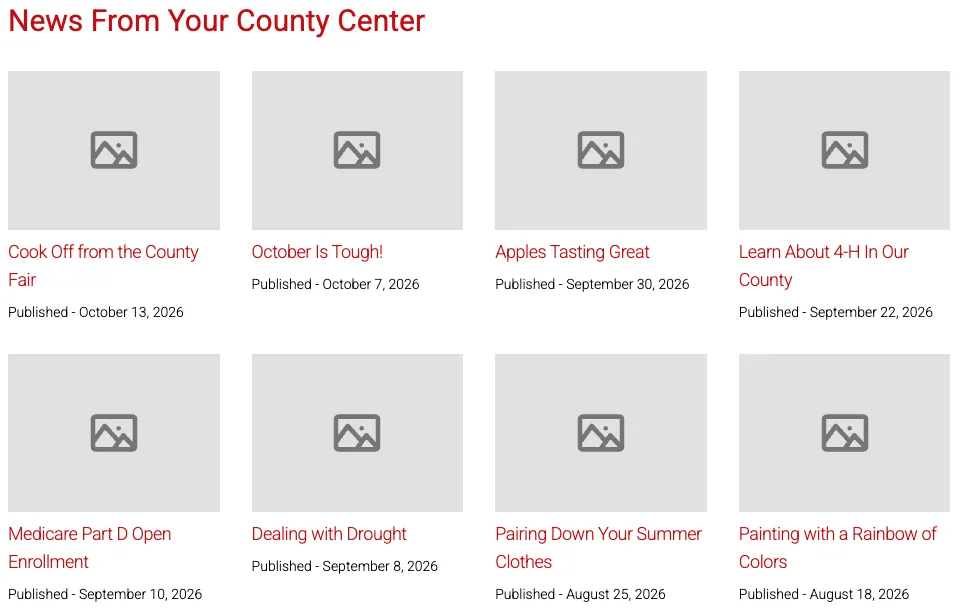
While one or two missing images may not seem like a major issue, the problem becomes more noticeable over time. As more articles are published without featured images, news listings can begin to look unfinished and less inviting to visitors.
As shown in the example below, entire sections of news articles can become little more than blocks of gray placeholders. Without images to provide visual interest and context, these sections are less engaging and make it harder for visitors to quickly identify content that interests them.
You Don't Have to Display the Featured Image on Your Article
One of the most important things to understand about featured images is that assigning one doesn't mean you have to display it at the top of your article.
The featured image and the images within your article serve two different purposes.
Your featured image provides a visual representation of your content wherever it appears as a thumbnail. Images placed within the body of your article help illustrate specific information, demonstrate a process, or provide additional context for readers.
For example, imagine you're writing an article about an upcoming soil testing workshop. You might choose a photograph of someone collecting a soil sample as your featured image. That photograph will help identify your article when it appears in a news listing.
If you want to learn more about hiding your featured image on your article, please refer to this news post on the subject!
Choosing the Right Featured Image
You don't need an elaborate graphic or professionally staged photograph for every article. In many cases, a simple, relevant photograph is the best choice.
When selecting a featured image, consider a few things:
Relevance: Choose an image that accurately represents your article's topic. A photograph of a vegetable garden is more useful for an article about growing tomatoes than a generic landscape.
Image quality: Use a clear, high-quality image that will look good when displayed at different sizes.
Cropping: Remember that thumbnails may be cropped to fit different spaces. Keep the important parts of your image away from the edges.
Text: Avoid images containing large amounts of text. What looks readable at full size may become impossible to read as a small thumbnail.
Authenticity: Whenever possible, use real photographs of Extension programs, activities, and subject matter rather than generic or AI-generated imagery.
If you really can't find an image to fit your subject matter, feel free to go into Canva, choose a neutral background and add your article's title as text. While we would prefer high quality images, anything is better than nothing.
Make Featured Images Part of Your Publishing Process
Before publishing your next article, take a moment to check whether you've assigned a featured image.
Ask yourself: Does this image represent my content? Will it look good as a thumbnail? Have I included appropriate alternative text?
And remember, just because you've assigned a featured image doesn't mean you need to display it at the top of your article.