NC State Extension is transitioning its single sign-on (SSO) service from Shibboleth to Microsoft Entra. This update is part of a university-wide initiative to streamline digital access across our web ecosystem.
What is Changing?
The transition to Microsoft Entra is occurring on an application-by-application basis. Canva and Go Links are among the first applications to move to this new login solution.
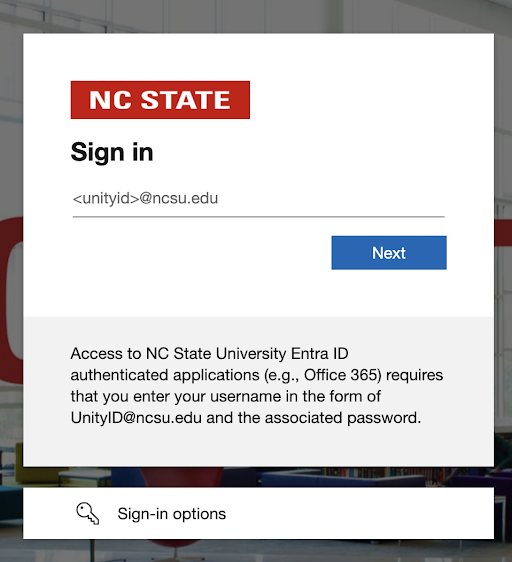
While the login screen looks different, you will continue to use your existing Unity credentials. However, there is one key difference in the login flow: you must now enter your full NC State email address (e.g., unityid@ncsu.edu) instead of just your Unity ID. No other action is required on your part to maintain access.
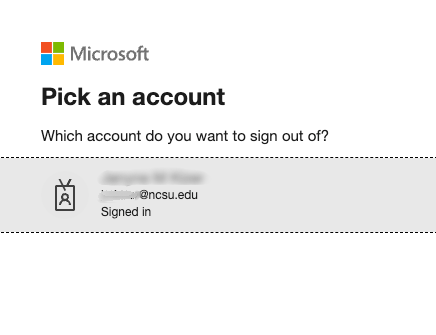
Below are examples of log in screens that you may see.