Interested in a quick look at the pageviews for a specific page on your portal or county website? We have a tool that allows you to do just that!
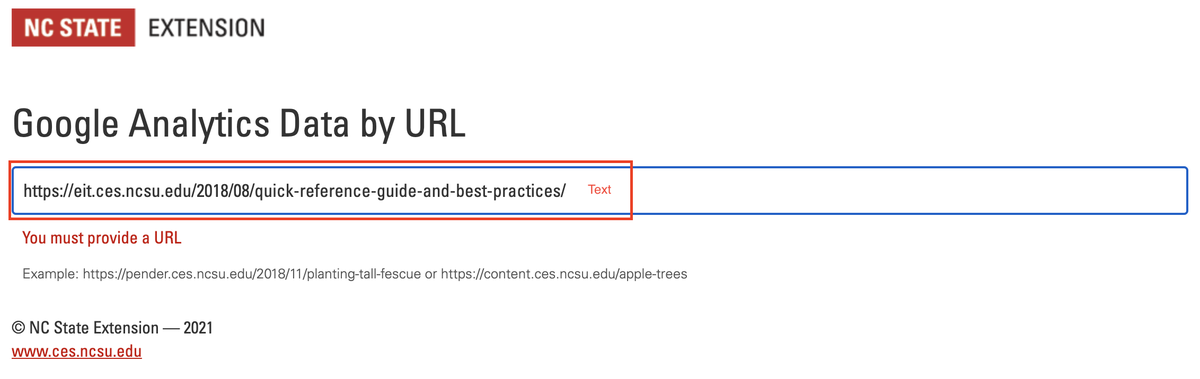
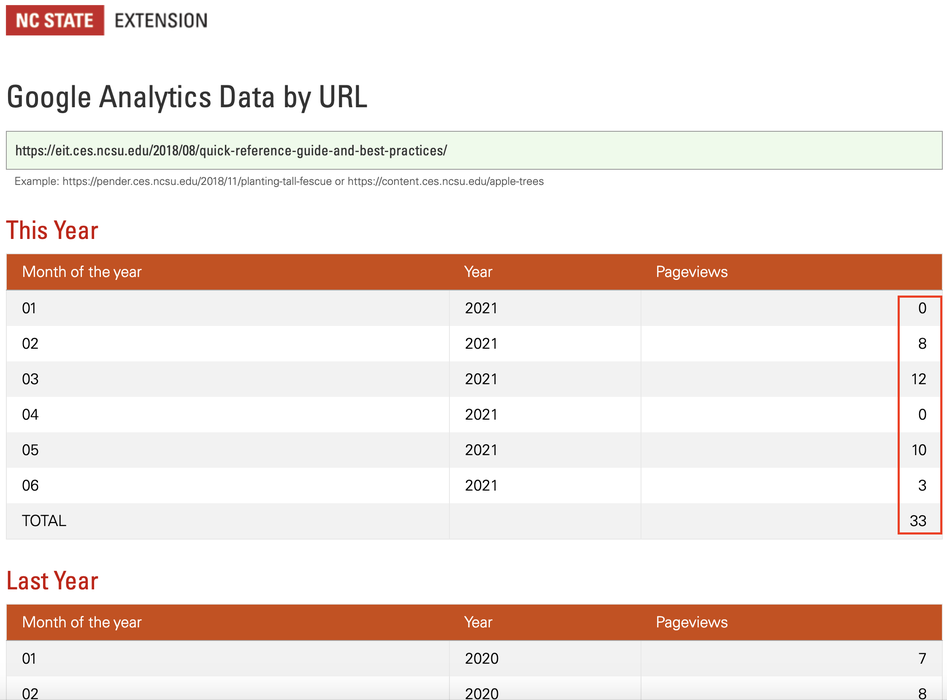
All you need to do is go to our Google Analytics Data by URL page and do the following:
Interested in a quick look at the pageviews for a specific page on your portal or county website? We have a tool that allows you to do just that!
All you need to do is go to our Google Analytics Data by URL page and do the following:
NOTE: You can also do this within WordPress by clicking the blue icon in the Page Views column next to the specific Page or Post.

This is just meant to provide a "quick view" of overall pageviews for a specific page. If you require a more in-depth report for a page, portal, or site, please contact the EIT Help Desk at 919-513-7000 or eithelpdesk@ncsu.edu.