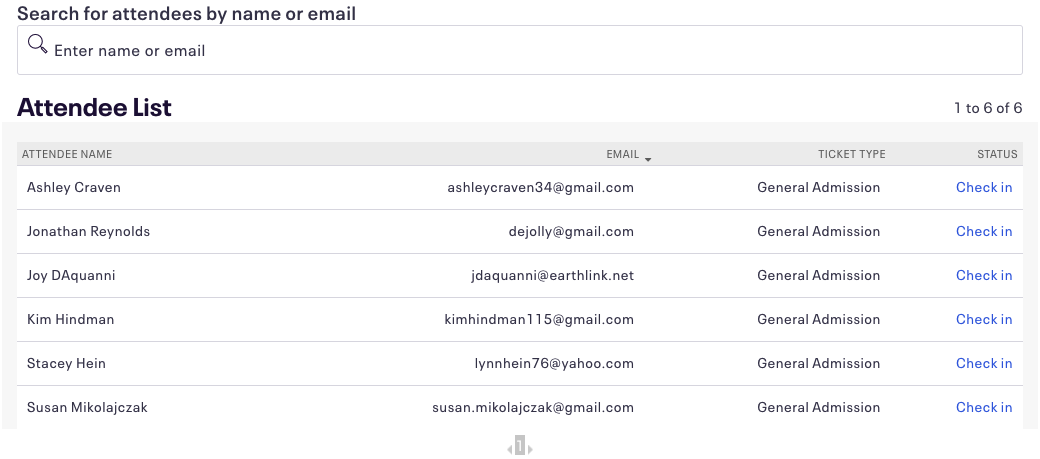
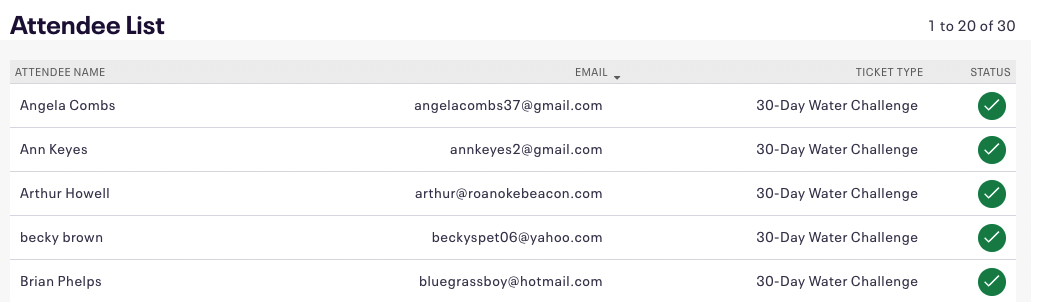
Event check-in is essential for accountability and ERS Activity Reporting. It is important for the way we have to accumulate information and report both at the state and federal levels that this gets carried through.
Check-in is also helpful when following up with attendees.
To check in an attendee:- Go to Manage Events in your Extension Eventbrite account. Then select your event.
- Manage Attendees > Check-in
- Scroll through the list of attendees or search by name or email address. Click the column headers to change how your attendees are sorted