For NC State Extension's instance of ActiveCampaign we leverage Single Sign-On (SSO). This means that you don't need a separate username and password to login to ActiveCampaign, you can just use your NC State University login credentials. HOWEVER, you should not type your NC State credentials into ActiveCampaign's Login screen (pictured below).
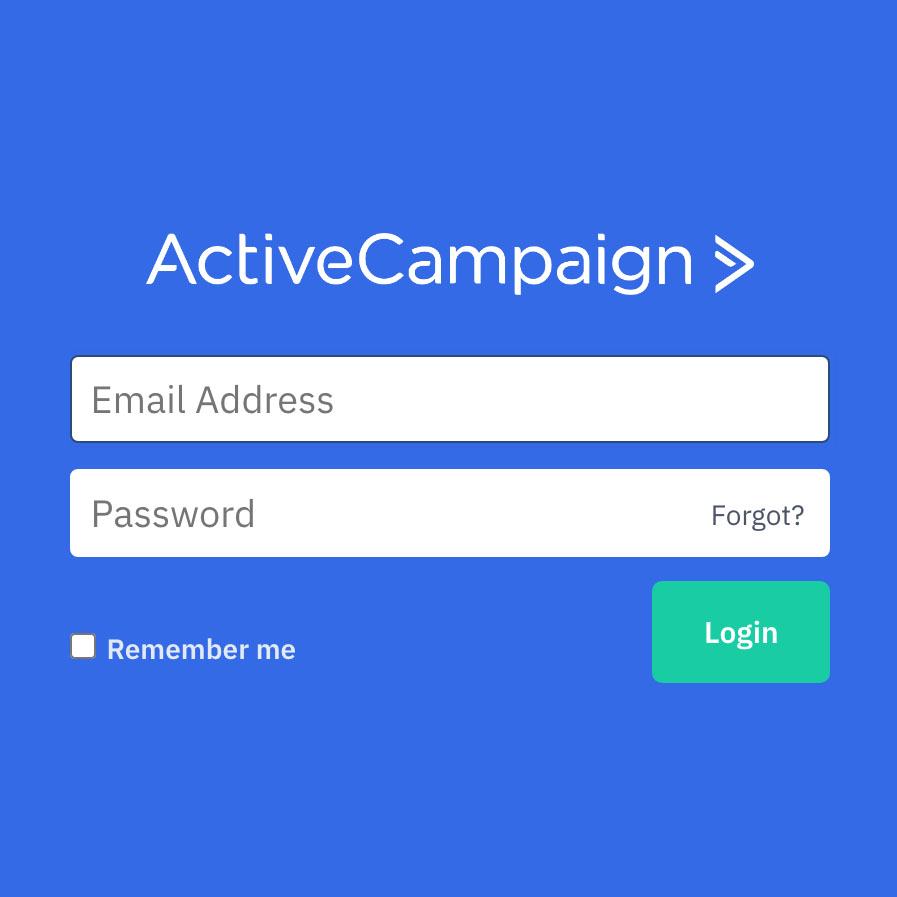
DO NOT type your Unity ID and Password into AC's login. If you've arrived here, you are in the wrong place.
To login to ActiveCampaign using your Unity ID and Password, you should visit:
NC State ActiveCampaign log in.
Which will bring you to a familiar screen that looks like this:
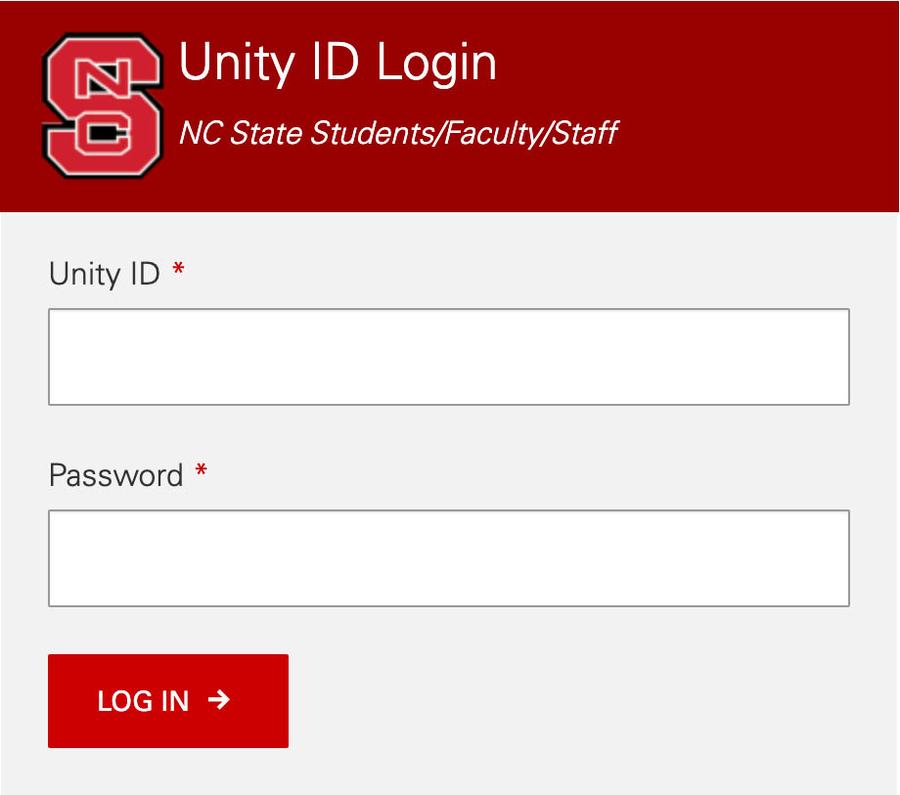
This is what your login screen should look like.
Once you've authenticated, you should see a button to proceed to ActiveCampaign:
ActiveCampaign login button
Common Problems
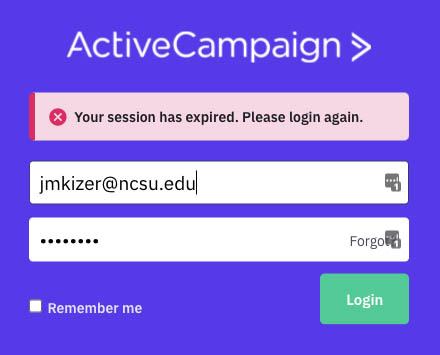
If you arrive at this screen (pictured below), chances are your session has expired and you just need to login again by visiting the NC State ActiveCampaign log-in page.If you still end up at this interface, try connecting to the campus VPN, and then logging in with the link above. If that still doesn't work...
- Try disconnecting from the campus VPN, and re-connecting to the campus VPN. We have seen varying success for folks based on their VPN connection. Some folks can only login when they are connected to the VPN and other folks can only connect when they are NOT on the VPN. We can't seem to figure out why it's one or the other just yet, but we do know that seems to be a key factor in folks success.
- Logout of Shibboleth using this logout link
- Logout of ActiveCampaign using this link
- Re-try the login link: NC State ActiveCampaign
Still no luck? Contact eithelpdesk@ncsu.edu.