When creating posts for your county or topic site it is essential to use high-quality images to create engaging content. Yet, using copyrighted images without permission can lead to legal consequences, specifically fines. Posting images that you do not have the rights to can cost N.C. Cooperative Extension thousands of dollars.
How do you know if you have rights to the image? If you don’t explicitly have the right to use the image, then you can’t use it. Images will often have licensing that will detail how you can use the image. This includes information about who is allowed to post the image for free (Personal use vs. Commercial use) and if attribution to the creator is required.Finding an Image
You have many options for finding images you have rights to. You may not have access to every resource, as some need payment. You will have access to plenty of free-to-use images.Image Libraries
There are many free and paid image libraries.Canva Photos (Free and Paid) NC State Photos (free) Adobe Stock Images (Free and Paid) PexelsUnsplash
Creative Commons Libraries
The Creative Commons license complicates sharing. But it allows individuals more control of their content without full copyright.There are a few types of licenses, and you will need to check them before you use the image.
Attribution – If the license is marked attribution you have to give credit to the original creator in a way they require. This often means including attribution text as the Caption on the image.
No Derivative – The shared work must be verbatim copies, you are not allowed to change it in any way.
NonCommercial – The image cannot be used for commercial purposes
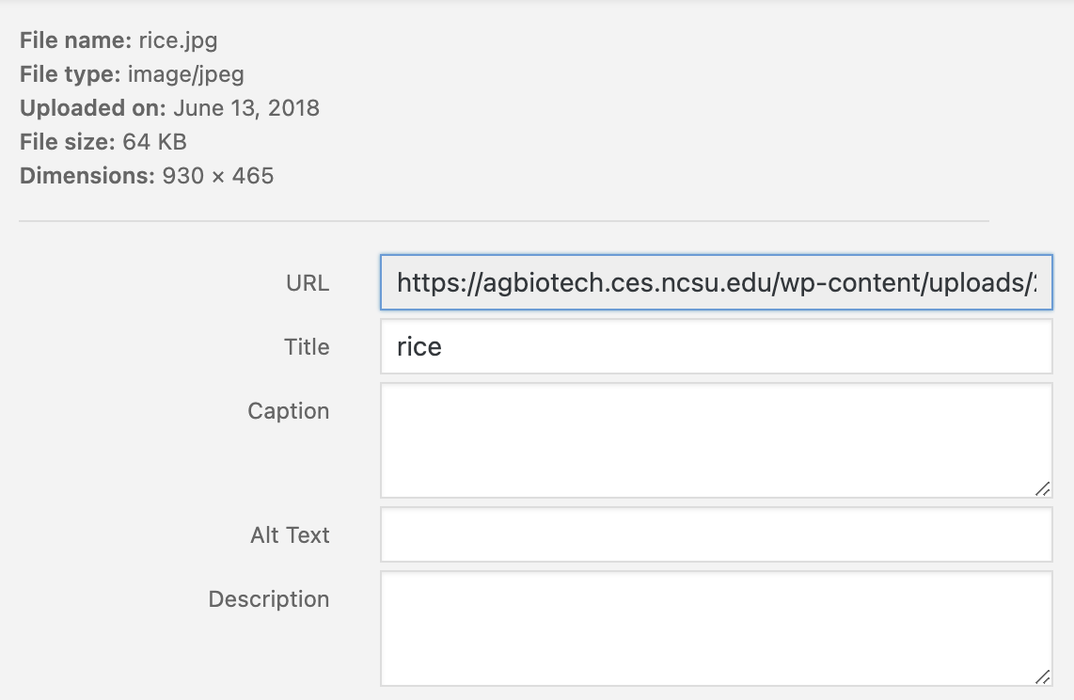
ShareAlike – Any images published under ShareAlike must also carry the ShareAlike license. So anything you create with these images (even new content) must be available to be used and shared by others. There are other ways to find images that are available for you to use, but these are some of the most common sources of images. Once you have your image you may be wondering what you need to do to let us know you have your license.On your site, choose the media option from the left-hand sidebar. It will open your media library. You can upload new images by clicking the Add New button. Search your computer or drag and drop your image into the window to upload it. Once you have uploaded the image choose it from the media library and get ready to attribute!