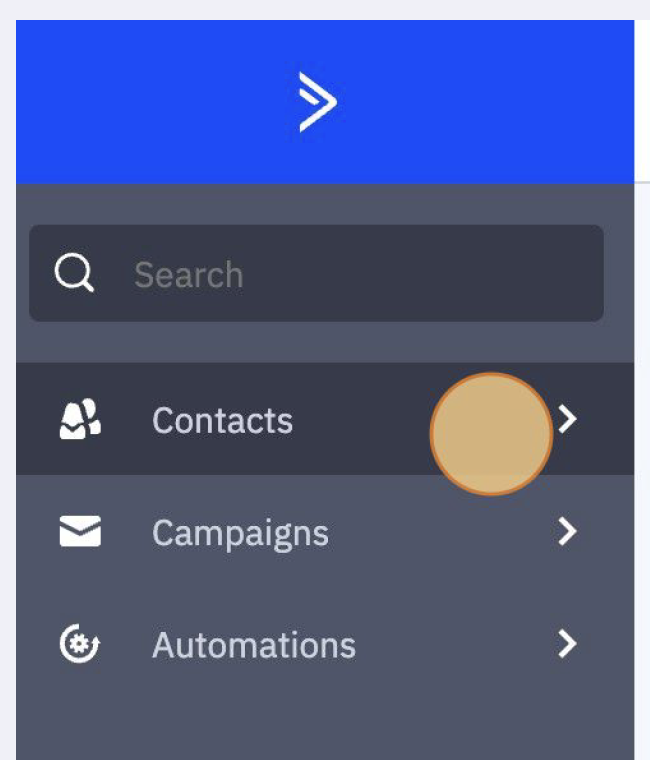
- Once logged into ActiveCampaign, click on the contacts button on the left toolbar.
How to Edit a Contact's Information in ActiveCampaign
(Updated: March 20, 2024, 9:11 a.m.)
A client has come in and let you know the phone number to their farm shop has changed. Upon hearing this one of the first things you can do is go into ActiveCampaign and update the client's contact record. It is essential to know how to update a contact's record in ActiveCampaign so that your clientele receives your information. This article will demonstrate the steps involved in updating a contact's information:
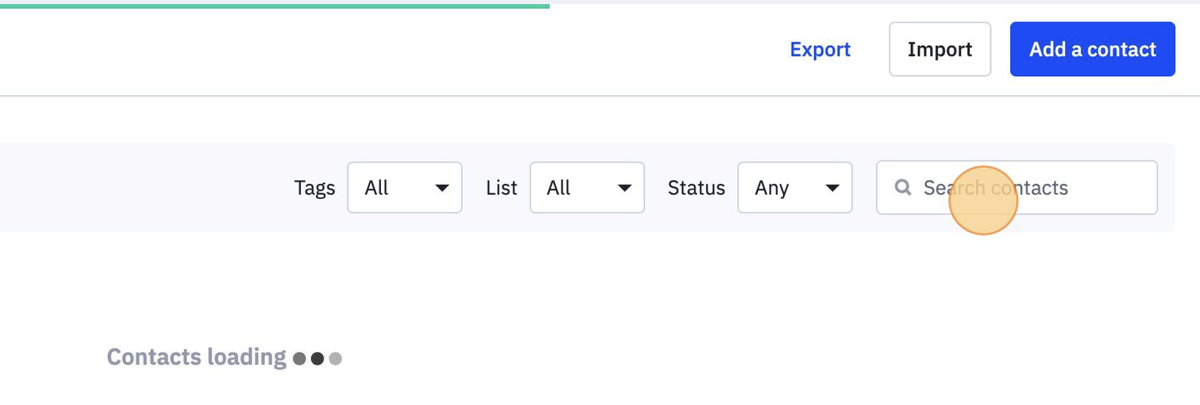
2. When the contacts page loads, type in the farmer's name in the contact search field on the left side of the page.
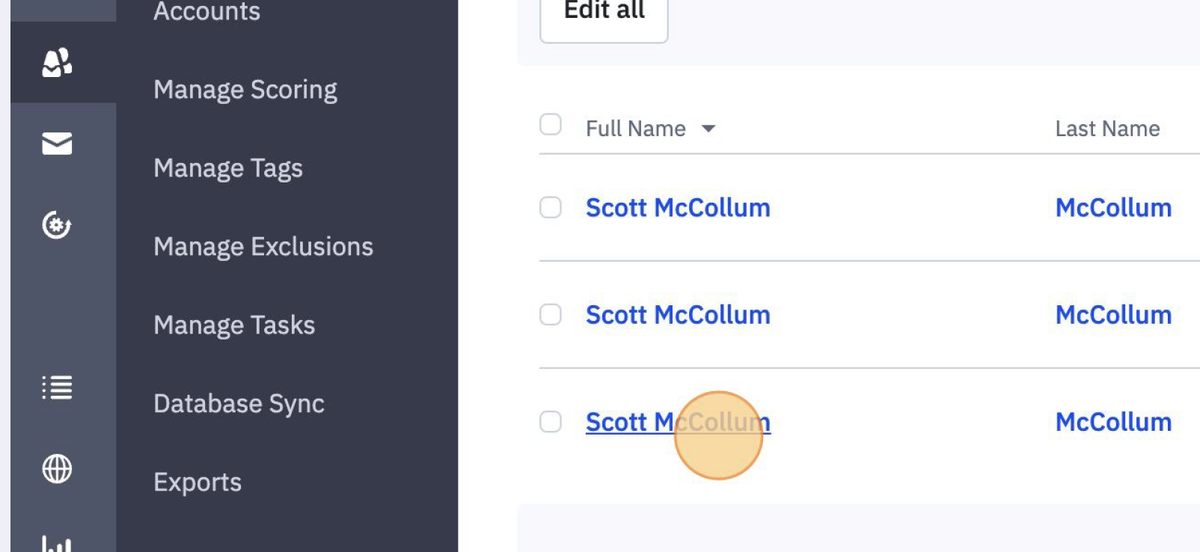
3. Click on the name you would like to edit.
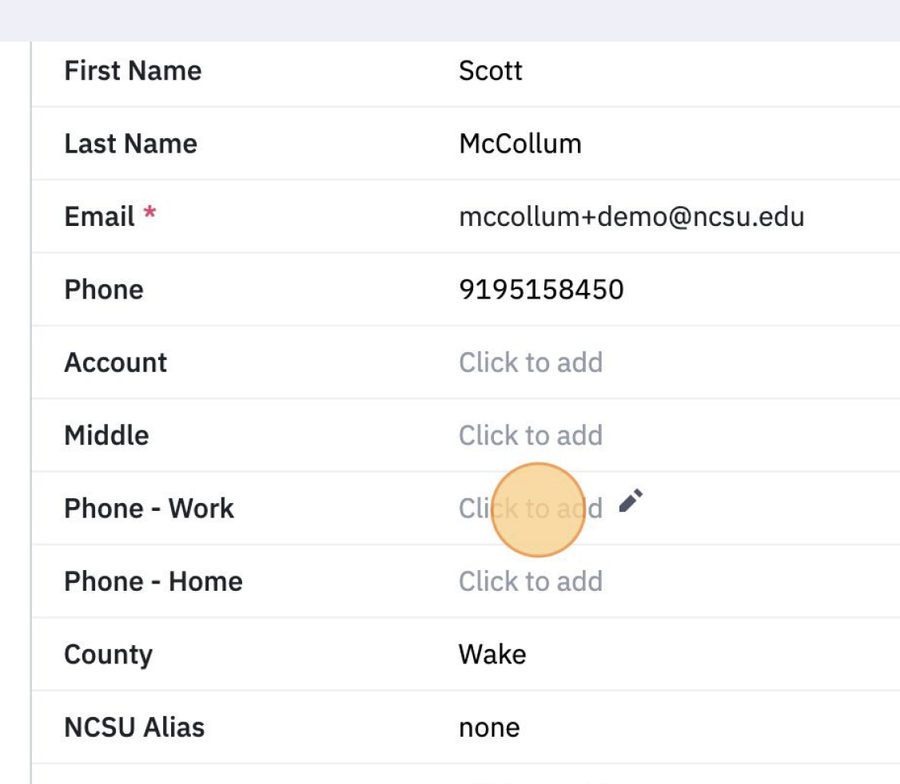
4. The contact information will then load for your contact. You can then click on any field to edit. Once your edit is complete hit enter and it will save the new information in the field you just edited.
5. When all edits are made, scroll to the bottom of the contact's page and click save.
Congratulations! You have edited your contact information!
