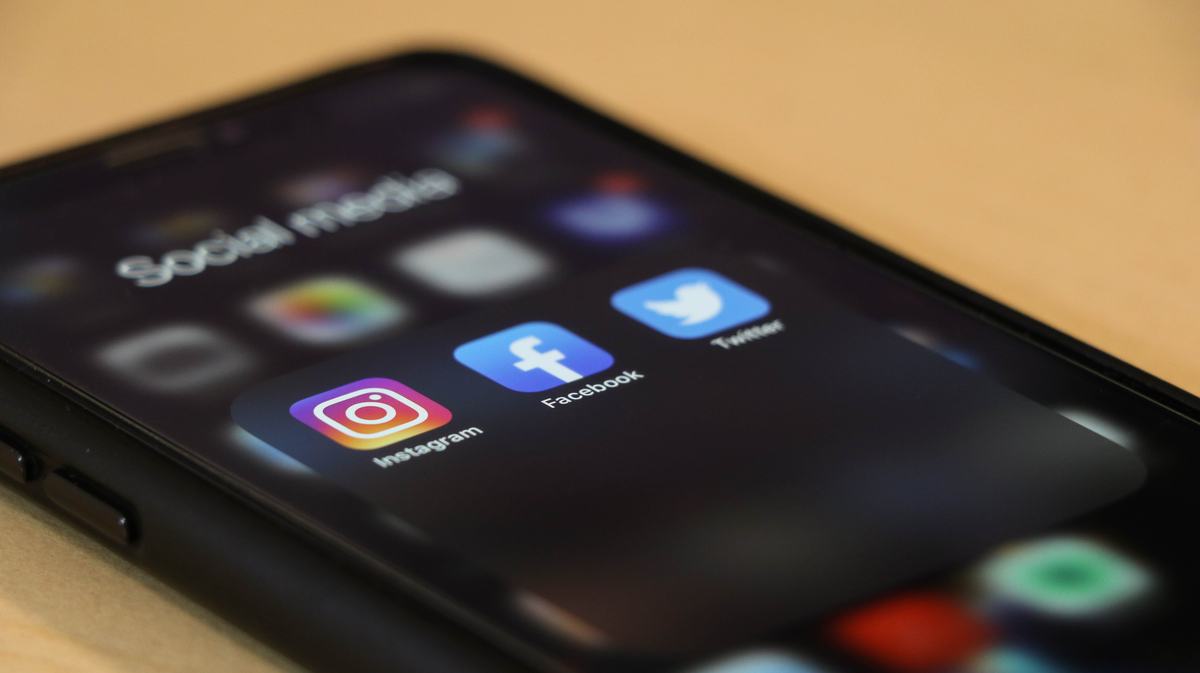
If you want to reach the widest audience possible, it's crucial to ensure your social media posts are accessible, especially when it comes to marketing your events!
By taking a little extra time and effort, you can make your content user-friendly for everyone.
Here are some practical steps you can take:
Include image descriptions
Did you know that you can add alt-text to images you share on social media? Alt-text not only enables users with vision impairments to access your content but also provides context if an image fails to load.
See these guides for adding image descriptions on different platforms:
Facebook
Twitter
Instagram
Make sure your links are clickable
When creating eye-catching flyers with URLs or QR codes using tools like Canva, don't forget to include clickable hyperlinks in your captions or event descriptions. Since social media platforms typically treat text-heavy flyers as images, having clickable text makes it easier for users to navigate to your registration or event details. For visual flyers, ensure that all vital information is included in plain text somewhere to ensure accessibility for all.
Caption videos
Captioning videos is not only beneficial for users with hearing loss but also enhances comprehension for those with different primary languages and allows access in noisy environments. By including captions in your videos, you provide an inclusive experience to a wider audience. See our
previous news post for some guidance on captioning.
For more guidance on creating accessible online content, be sure to explore OIT's accessibility resources.