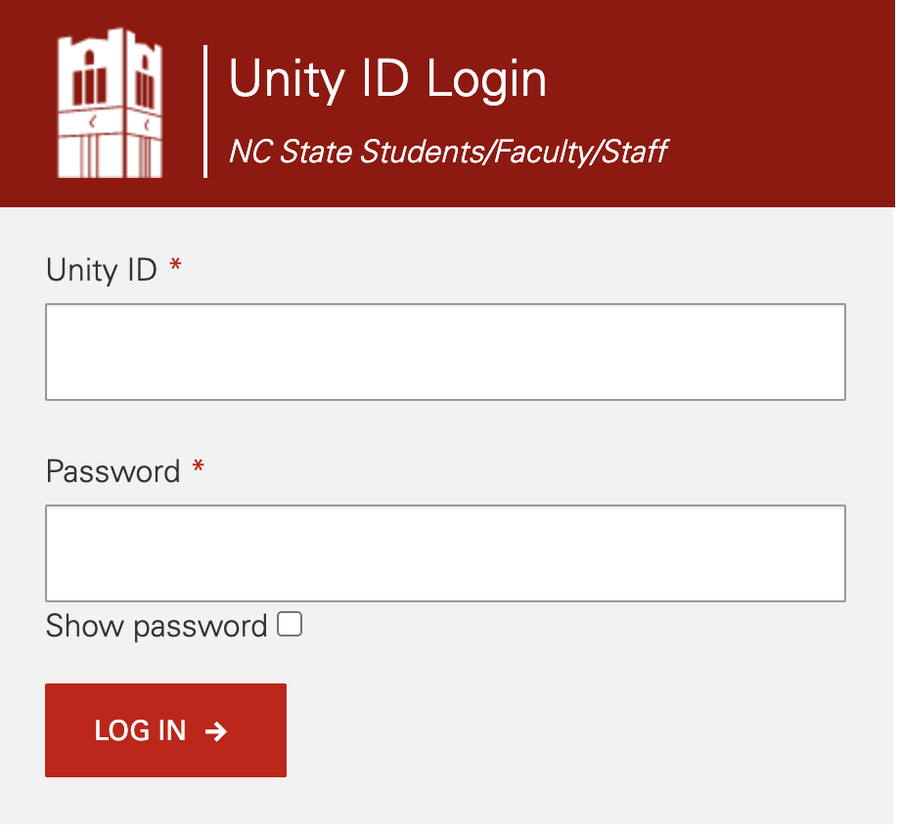
Everyone knows that periodically you will be asked to change your NCSU unity ID password. But do you know what to do if you are entering your password and the system keeps telling you that the password is incorrect? Or what do you do if the password manager that you use is not working for some reason and you don't have that complex password memorized? Or worst case scenario, what do you do if you simply cannot remember your password and are not using a password manager that you can retrieve it?
These are all scenarios in which a password reset would be necessary. Anytime you have an issue with your current NCSU unity ID password, often times the only solution is to reset the password. Here are the steps you should follow:- Reset your password using the self-service tool.
- You should see a ‘reset password’ link beside More. Select the link and you will be prompted to enter your unity ID.
- After you enter your unity ID, you will be asked to answer one of your 2-factor security questions. If you do not remember the answers to your questions, you'll need to contact OIT at 919-515-4357 or help@ncsu.edu.
- You’ll then have 30 minutes to change your password from the default password (which will now be the ‘current’ password).
- Go back to the self-service tool to change it. Your eight-digit default password consists of the last four digits of your Employee ID number plus your birth month and day, both entered as two-digit numbers. Example: For an Employee ID of 123456789 and a birth date of May 6, the default password would be 67890506.